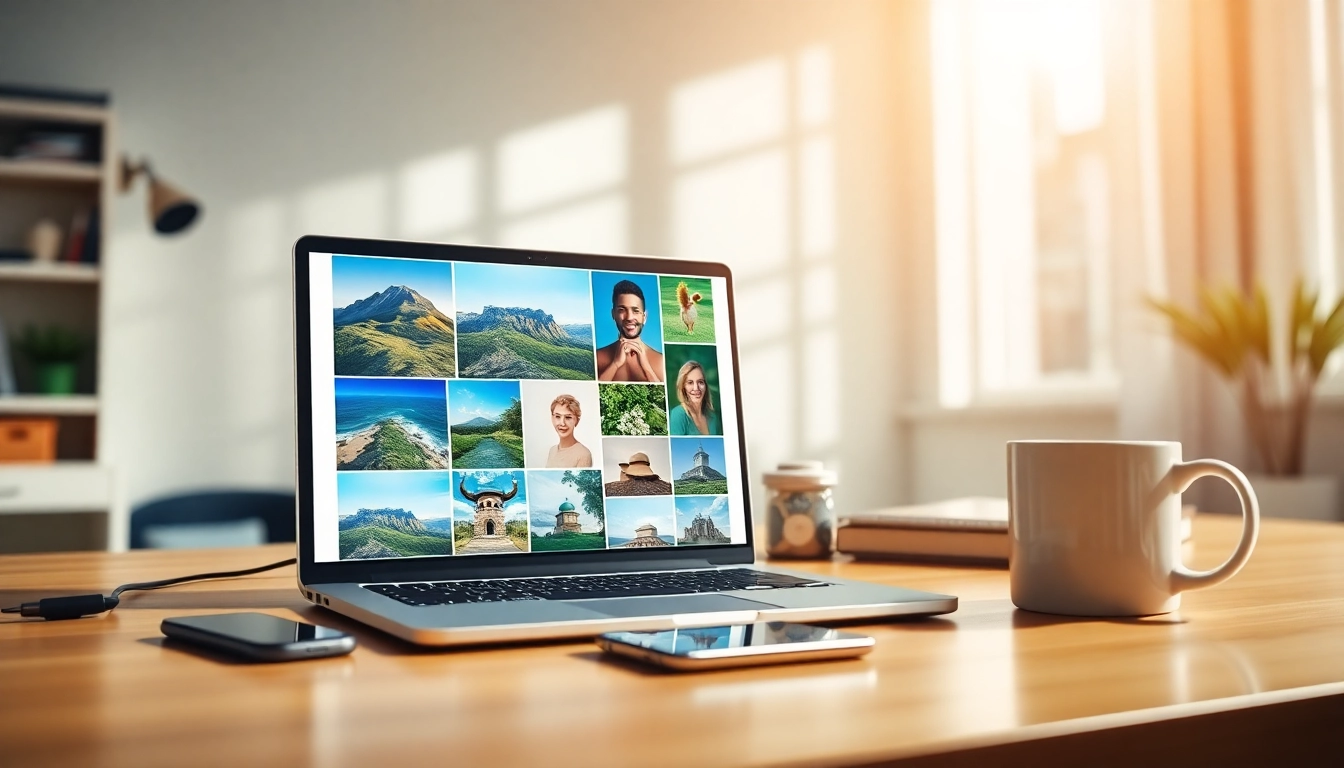
Understanding Square Images: An Essential Overview
In a world dominated by digital media, the presentation of images plays a crucial role. Social media platforms, websites, and blogs demand visually appealing content that resonates with audiences. Among the various formats, square images have emerged as a preferred choice due to their versatility and aesthetic appeal. In this article, we will explore how to effectively make image square, the significance of this format, and practical tips to enhance your imagery.
What is a Square Image?
A square image is defined as a photograph or graphic that has equal width and height, creating a 1:1 aspect ratio. This format is particularly popular for social media platforms like Instagram, where square images dominate the feed. They offer a uniform look that enhances visual consistency, facilitating effortless content consumption.
The Importance of Square Images in Digital Media
Square images are significant in digital media for several reasons:
- Uniformity: They create a balanced appearance across various platforms, making them visually appealing.
- Versatility: Square images can be easily repurposed for websites, blogs, and marketing materials.
- Optimal Viewing: Studies have shown that square images draw more engagement on platforms like Instagram, as they occupy more screen space than rectangular counterparts.
Common Misconceptions About Making Images Square
Many individuals believe that making an image square requires cropping, which can lead to unwanted loss of important content. However, there are various methods to achieve a square format without significant alterations to the original image quality or content. Understanding these methods can empower users to create visually appealing images without the fear of losing crucial details.
How to Make Image Square: Step-by-Step Process
Transforming your images into perfect squares can be achieved through several methods. Below, we’ll outline both online tools and manual techniques that can help you achieve this goal with ease.
Using Online Tools to Make Image Square
Online image editing tools provide a hassle-free way to make your images square. They often include features like drag-and-drop functionality, background customization, and real-time previews. These tools typically support various image formats, including JPG, PNG, and WebP. Here’s a simple process to follow:
- Upload: Drag and drop your image onto the selected online platform.
- Select Options: Choose to apply a square crop, add a blur background, or select a solid color fill.
- Preview and Download: Review your changes and download the final square image in your desired format.
Manual Methods for Converting Rectangles to Squares
For those who prefer to work offline or use professional editing software, manual methods can also effectively convert images to square formats. Programs like Adobe Photoshop allow users to adjust the canvas size and reposition the image as needed. Here’s how you can do it:
- Open Image: Load your rectangular image into the editing software.
- Adjust Canvas: Change the canvas size to match the larger dimension of the image, ensuring it becomes square.
- Position Image: Reposition the image to focus on the desired area, using crop tools if necessary.
- Save: Export the image in your preferred format.
Choosing the Right Aspect Ratio for Your Images
When working with square images, it’s essential to maintain the intended composition. Using the 1:1 aspect ratio allows for greater control over how subjects are framed within the image. This can significantly impact the aesthetics and overall storytelling of your imagery.
Enhancing Your Square Images: Tips and Techniques
Once you have your images squared away, enhancing them with creative techniques can elevate their overall appeal. Here are some effective methods to consider:
Adding Blur Backgrounds and Solid Colors
By utilizing backgrounds that complement your subject, you can enhance the visual impact of your square images. Adding a soft blur to the background can help your subject stand out more prominently. Alternatively, a solid color background can create a clean, modern look.
Utilizing Effects for Creative Framing
Effects such as shadows, borders, and filters can provide depth and dimension to your images. Experimenting with different styles can lead to unique visuals that capture the viewer’s attention. Utilizing these effects strategically can help reinforce your brand’s identity and enhance storytelling through visuals.
Best Practices for Image Composition and Cropping
Effective composition is key when cropping images. Here are some best practices to consider:
- Rule of Thirds: Position your subject within the grid lines to create a balanced image.
- Focus on the Subject: Ensure that the subject is not only centered but also highlighted.
- Negative Space: Use negative space effectively to draw attention to important elements in your image.
Common Issues When Making Images Square and How to Solve Them
Even with the right tools and techniques, you may encounter issues while converting images to squares. Below are some common challenges and their solutions.
Addressing Quality Loss in Image Resizing
One of the most significant concerns when resizing images is the potential loss of quality. To mitigate this, work with high-resolution images whenever possible. Additionally, using lossless formats during the editing process can help preserve image quality while you adjust the dimensions.
Dealing with Composition Challenges
When converting a rectangular image to a square, you might find that important elements are cropped out. To avoid this, consider using background fills or blurs to maintain focus on the subject while keeping the image balanced. Reassessing what is essential in the frame can also help in making informed cropping decisions.
How to Maintain Privacy When Uploading Images
With privacy being a significant concern in the digital age, it’s important to select tools that respect user privacy. Ensure that the online tool you choose doesn’t store or misuse your images. Look for platforms that provide clear statements about their privacy policies and data handling practices.
The Future of Image Editing: Trends in 2026
The realm of image editing is continuously evolving, driven by advancements in technology and changing user preferences. Here are some trends to look out for in 2026:
AI Innovations in Image Editing Tools
Artificial Intelligence (AI) is set to revolutionize image editing, offering features such as automatic background removal, smart cropping suggestions, and intelligent filters that adapt to the image context. These innovations can significantly streamline the editing process, making it accessible to users of all skill levels.
Emerging Design Trends for Social Media Images
As platforms evolve, so do the design trends. Expect an increase in the use of bold colors, dynamic layouts, and interactive images that engage viewers. Staying ahead of these trends will be crucial for brands and content creators aiming to capture attention in crowded feeds.
What to Expect from Online Editing Platforms
Future online editing platforms are likely to integrate more collaborative features, allowing multiple users to edit and review images in real-time. Enhanced user interfaces and simplified workflows will also play a key role in making these tools more user-friendly and efficient.